
YCMOU Admit Card 2026: Download Process and Exam Centre
YCMOU distance learners can download their hall ticket online by selecting their exam event and entering their PRN or User Name on the official exam portal. Download links are categorized based on whether a student’s PRN starts with 25/26 or 20. Exam centre allocations and official notices are released through the university’s Examination Division in Nashik.
Key facts
| Portal Login Credentials | PRN or User Name + CAPTCHA |
|---|---|
| PRN 25 / 26 Portal | New Portal System |
| PRN 20 Portal | Existing DU System |
| Exam Helpdesk Phone | (0253) 2230716 / 2230058 |
| Exam Section Location | Dnyangangotri, Nashik – 422222 |
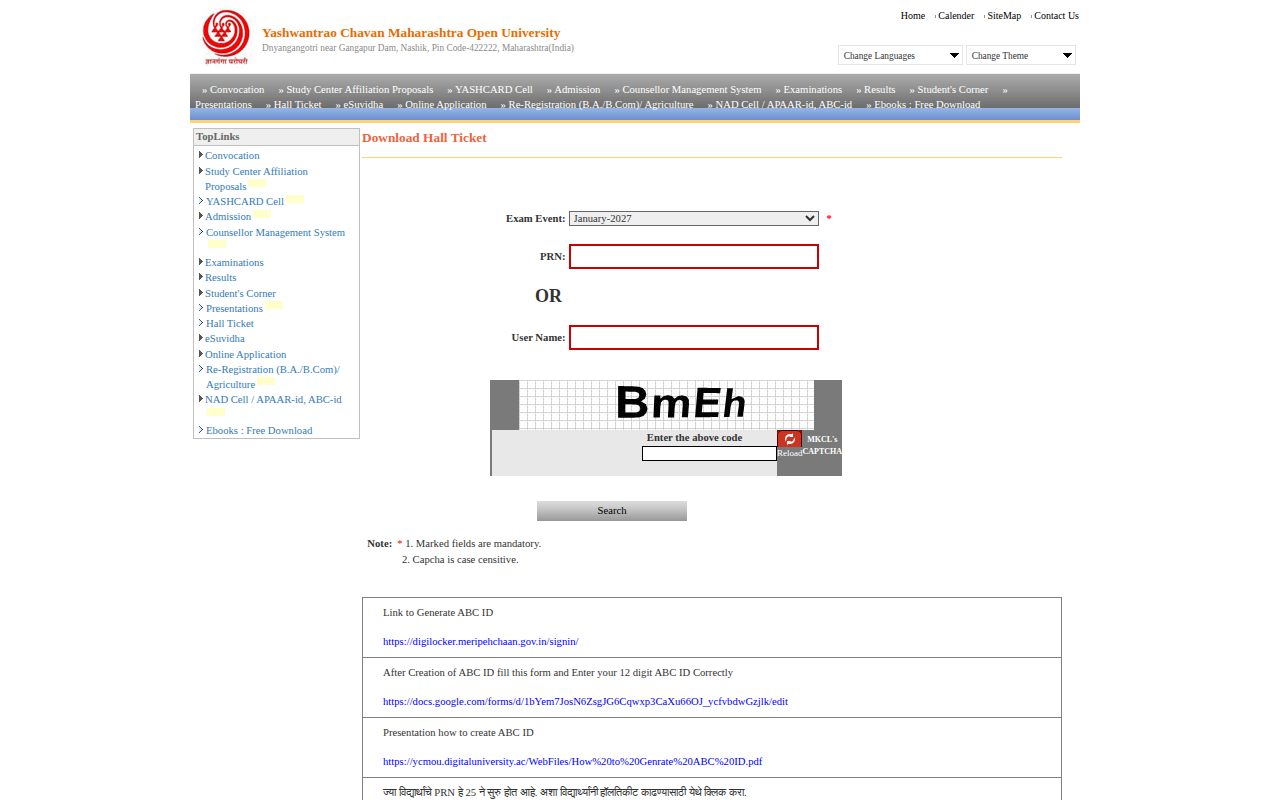
YCMOU Hall Ticket Portal and PRN Rules
YCMOU issues hall tickets online for university examinations based on the student’s PRN. Access routes depend on the initial digits of the student’s PRN.
Students whose PRN begins with 25 or 26 must access the new portal, while students with PRNs beginning with 20 use the existing Digital University portal on the YCMOU download hall ticket page.
- PRNs starting with 25 or 26: Login through the New Portal system.
- PRNs starting with 20: Login through the Existing DU portal system.
- Required inputs: Selected Exam Event, PRN or User Name, and CAPTCHA.
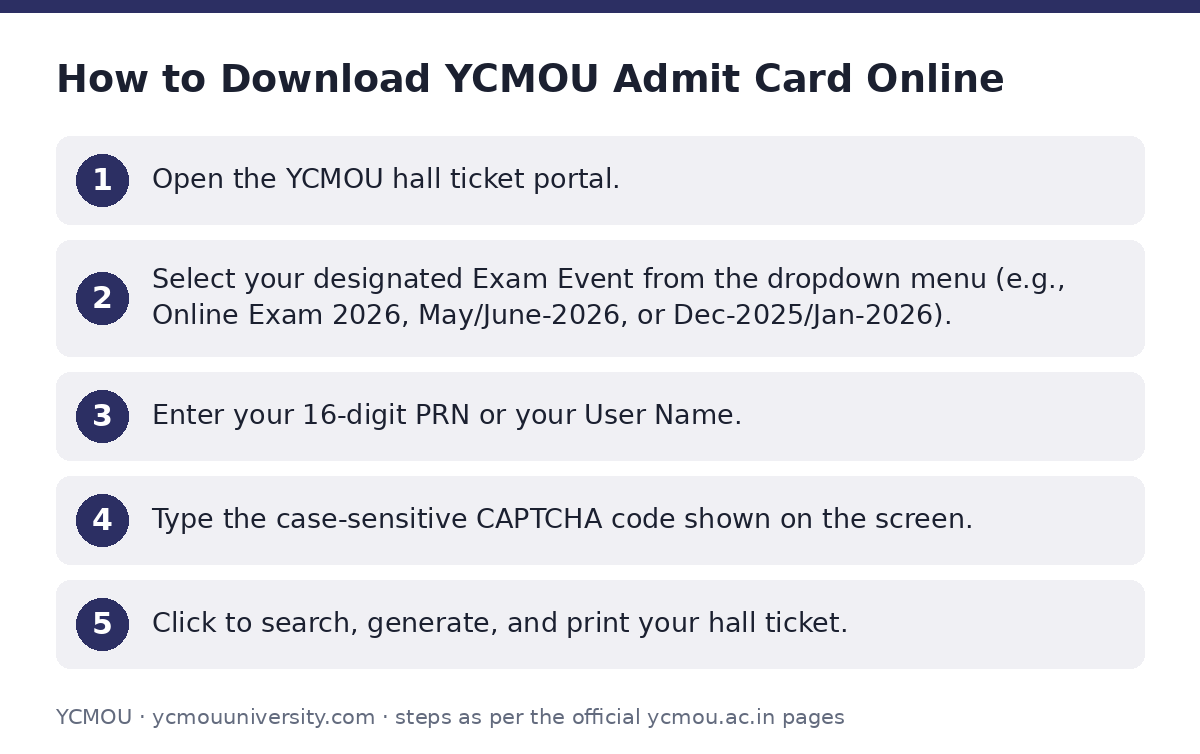
How to Download YCMOU Admit Card Online
Follow these steps to download your examination hall ticket from the main digital university portal:
- Open the YCMOU hall ticket portal.
- Select your designated Exam Event from the dropdown menu (e.g., Online Exam 2026, May/June-2026, or Dec-2025/Jan-2026).
- Enter your 16-digit PRN or your User Name.
- Type the case-sensitive CAPTCHA code shown on the screen.
- Click to search, generate, and print your hall ticket.
Academic ABC ID Requirement for Students
Students downloading their examination hall ticket are instructed to create and submit their 12-digit Academic Bank of Credits (ABC) ID.
ABC IDs are generated through DigiLocker. After creating the ABC ID, students must fill out the designated online form provided on the YCMOU download hall ticket page to update their records.
Exam Centre Details and Examination Division Support
Exam centre assignments, center change notices, timetables, and chief center superintendent circulars are published under the Examination Division on the YCMOU exam portal.
YCMOU has not published individual 2026 exam centre address lists directly on its main hall ticket search page as of 02 October 2026.
For grievances or discrepancies regarding hall tickets, seat numbers, or exam centres, students can reach the Deputy Registrar at the Exam Section in Nashik.
YCMOU Examination Contact Details
| Query Type | Office / Department | Contact Numbers |
|---|---|---|
| Exam Centre, Hall Ticket, Seat No & Timetable | Deputy Registrar, Exam Section 1/2/3 | (0253) 2230716 / 2230058 / 2230013 |
| Agriculture Department Queries | Krishi Vidnyan Kendra | (0253) 2230698 / 2230054 |
Important YCMOU links
| What you can do | Official page |
|---|---|
| Select hall ticket portal by PRN prefix | ycmou.digitaluniversity.ac/Content.aspx?ID=1574 |
| Download hall ticket by exam event | ycmou.digitaluniversity.ac/PreExamV2_DownloadHallTicket_Ne |
| Search January 2025 session hall tickets | ycmou.digitaluniversity.ac/Content.aspx?ID=1475 |
| View exam timetables and centre notices | ycmou.digitaluniversity.ac/Content.aspx?ID=1579 |
| View exam section contact directory | ycmou.ac.in/contact-us/ |
Official documents (PDF)
- Download PDF — Exam schedule links and program codes for academic year 2019-20
Frequently asked questions
How do I download my YCMOU admit card if my PRN starts with 25 or 26?
Students whose PRN starts with 25 or 26 must click the New Portal login link available on the YCMOU download hall ticket page.
What details are required to search for a YCMOU hall ticket?
You need to select your specific Exam Event from the dropdown menu and enter your PRN or User Name along with the CAPTCHA code on the YCMOU hall ticket portal.
Where can I check YCMOU exam centre notices and timetables?
Exam centre details, timetables, and exam circulars are posted under the Examination Division on the YCMOU exam portal.
Whom should I contact if my hall ticket or exam centre has an error?
Contact the Deputy Registrar (Exam Section) at YCMOU, Nashik, by phone at (0253) 2230716, 2230058, or 2230013.
Is an ABC ID mandatory for YCMOU examination services?
Yes, YCMOU requires students to generate a 12-digit ABC ID via DigiLocker and submit it using the designated ABC ID form on the YCMOU download hall ticket page.
Sources
Written from the official YCMOU pages and documents below, as read on 2 October 2026.
- January-2025 Session HallTicket ycmou.digitaluniversity.ac/…/Content.aspx
- Download Hall Ticket ycmou.digitaluniversity.ac/…/Content.aspx
- Hall Tickets ycmou.digitaluniversity.ac/…/PreExamV2_DownloadHallTicket_New.aspx
- Time Table — Hall Tickets ycmou.digitaluniversity.ac/…/Content.aspx
- Contact Us ycmou.ac.in/…/contact-us