
YCMOU Student Login: Enrolment Number, ABC ID and DEB ID
YCMOU students log in to different portals based on their Permanent Registration Number (PRN). New students (PRN starting with 25 or 26) use the New Portal, while existing students (PRN starting with 20) use the Existing DU portal. Students can access information about their ABC ID and APAAR ID through the NAD Cell / APAAR-id, ABC-id link, which is also connected to DigiLocker for digital certificates.
Key facts
| New Student Login (PRN 25, 26) | New Portal |
|---|---|
| Existing Student Login (PRN 20) | Existing DU Portal |
| ABC ID / APAAR ID Information | Available via NAD Cell / APAAR-id, ABC-id link |
| DigiLocker Integration | For NAD Cell / APAAR-id, ABC-id and Digital Degree Certificate |
| University Contact Numbers | 0253 – 2231473, 2231714, 2231715, 2230227 |
YCMOU Student Login Portals
Yashwantrao Chavan Maharashtra Open University (YCMOU) provides separate login portals for students based on their Permanent Registration Number (PRN). Your PRN acts as your enrolment number for accessing student services.
To log in, students must identify which portal applies to their PRN range.
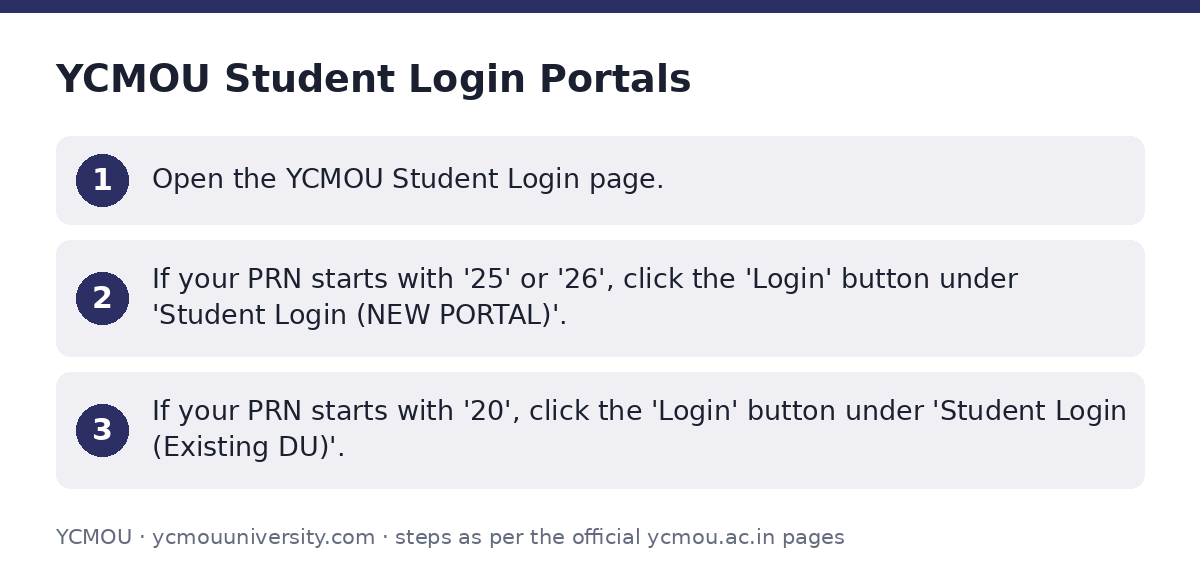
- Open the YCMOU Student Login page.
- If your PRN starts with ’25’ or ’26’, click the ‘Login’ button under ‘Student Login (NEW PORTAL)’.
- If your PRN starts with ’20’, click the ‘Login’ button under ‘Student Login (Existing DU)’.
Enrolment Number and Permanent Registration Number (PRN)
Your Student ID and Permanent Registration Number (PRN) are essential for all university communications and services. The PRN is used to determine which student login portal you should use.
When contacting the university with a query, always include your Student ID and Permanent Registration Number (PRN) for identification.
YCMOU has not published specific details on how to obtain or retrieve a lost PRN as of 02 October 2026.
ABC ID and APAAR ID Registration
The Academic Bank of Credits (ABC ID) and APAAR ID are important for students, especially those admitted to NEP 2020 programmes. YCMOU facilitates registration for these IDs.
Students can find information and the registration flow for NAD Cell / APAAR-id, ABC-id through the university’s digital platforms.
A list of students with incomplete ABC / APAAR ID registration for NEP 2020 programmes in the academic year 2023-24 is available on the university’s website.
- Visit the YCMOU Digilocker page.
- Click on the ‘NAD Cell / APAAR-id, ABC-id’ link for registration flow and information.
DEB ID for Students
YCMOU’s website mentions ‘UGC-DEB Approval application’ in the context of university approvals and recognition. However, the university has not published any information regarding a specific ‘DEB ID’ for individual students as of 02 October 2026.
DigiLocker for Digital Degree Certificates
YCMOU uses DigiLocker for students to obtain their digital degree certificates. The Student Registration Flow for DigiLocker is linked with NAD Cell / APAAR-id and ABC-id.
- Access the YCMOU Digilocker page.
- Follow the ‘Student Registration Flow for DigiLocker for getting Digital Degree Certificate’ instructions.
Downloading Examination Hall Tickets
Students can download their examination hall tickets through the YCMOU student login portal. There are multiple ways to access this facility.
- Go to the YCMOU Student Login page.
- Click on the ‘Download Hall Ticket’ link available on the page.
Scholarship Information and Application
YCMOU provides information regarding various scholarship schemes. Students applying for scholarships often need to use the MahaDBT portal and follow specific guidelines for different academic years.
Important notices and lists of eligible students for scholarships from academic year 2017-18 up to 2025-26 are published on the university’s scholarship page. This includes instructions for re-applying for applications with discrepancies.
- Visit the YCMOU Scholarship page for the latest notifications and application guidelines.
- Refer to the uploaded notices for specific academic years, such as the ‘नियमावली – शैक्षणिक सत्र २०२३-२४’ for scholarship application rules.
Important YCMOU links
| What you can do | Official page |
|---|---|
| Access YCMOU student login portals | ycmou.digitaluniversity.ac/Content.aspx?ID=1497 |
| Access Digilocker and ABC/APAAR ID information | ycmou.ac.in/student-zone/digilocker/ |
| View YCMOU scholarship notices and guidelines | ycmou.ac.in/student-zone/scholarship-ycmou/ |
| Access main YCMOU digital university portal | ycmou.digitaluniversity.ac/default.aspx |
| Explore YCMOU Student Corner services | ycmou.ac.in/student-corner |
Official documents (PDF)
- शै PDF — List of students with incomplete ABC / APAAR ID registration for AY 2023-24
- View — Student Corner PDF — Instructions for downloading YCMOU examination hall tickets
Frequently asked questions
How do I log in to the YCMOU student portal?
Your login portal depends on your Permanent Registration Number (PRN). If your PRN starts with ’25’ or ’26’, use the New Portal. If it starts with ’20’, use the Existing DU Portal. Both options are available on the YCMOU Student Login page.
What is my Enrolment Number for YCMOU?
Your Enrolment Number is referred to as your Permanent Registration Number (PRN). This number is crucial for all university communications and for logging into the student portals.
Where can I find information about my ABC ID and APAAR ID?
Information regarding NAD Cell / APAAR-id and ABC-id, including the student registration flow, can be found on the YCMOU Digilocker page. There is also a list of students with incomplete ABC/APAAR ID registration for AY 2023-24.
Does YCMOU use a DEB ID for students?
YCMOU’s website mentions ‘UGC-DEB Approval application’ in the context of university recognition. However, no information about a specific ‘DEB ID’ for individual students has been published as of 02 October 2026.
How do I download my YCMOU hall ticket?
You can download your examination hall ticket from the YCMOU Student Login page by clicking on the ‘Download Hall Ticket’ link.
How do I get my digital degree certificate from YCMOU?
YCMOU provides digital degree certificates through DigiLocker. You can find the student registration flow for DigiLocker, which is linked to your NAD Cell / APAAR-id and ABC-id, on the YCMOU Digilocker page.
Where can I find YCMOU scholarship details?
All scholarship-related notices, guidelines, and lists of eligible students for various academic years (e.g., 2017-18 to 2025-26) are available on the YCMOU Scholarship page.
Sources
Written from the official YCMOU pages and documents below, as read on 2 October 2026.
- Student Corner ycmou.ac.in/…/student-corner
- Digilocker ycmou.ac.in/…/digilocker
- University Login ycmou.digitaluniversity.ac/…/default.aspx
- Scholarship ycmou.ac.in/…/scholarship-ycmou
- Download ycmou.ac.in/…/SOS_Learner-Support-Centers-Details-2025
- Student Login ycmou.digitaluniversity.ac/…/Content.aspx