
YCMOU August/September 2026 Online Exam Results Released
Yashwantrao Chavan Maharashtra Open University (YCMOU) has released the online exam results for the August/September 2026 session. Students can now access their provisional results on the official university portal.
YCMOU August/September 2026 Online Exam Results: Highlights
Key Details of YCMOU August/September 2026 Online Exam Results
| Particulars | Details |
|---|---|
| University | Yashwantrao Chavan Maharashtra Open University (YCMOU) |
| Event | Online Exam Results |
| Session | August/September 2026 |
| Result Release Date | October 17, 2026 |
| Exam Mode | Online |
| Where to Check | Official YCMOU portal |
How to Check YCMOU August/September 2026 Online Exam Results
Students who appeared for the August/September 2026 online examinations can check their provisional results by following these steps:
- Visit the official YCMOU results portal by clicking on Online Provisional Result.
- Look for the relevant link for August/September 2026 Online Exam Results.
- Enter your Permanent Registration Number (P.R.No.).
- Click on the ‘Search’ or ‘Examination Result’ button to view your result.
- The provisional result will be displayed on the screen. Students are advised to download and print it for future reference.
Details Mentioned in the Notice
The university has clarified that all results published on the Digital University Portal are provisional. The Statement of Marks (SoM) issued to the student will be considered as final.
More from YCMOU
What Students Should Do Next
- For Provisional Eligible Students: If your result is not declared due to provisional eligibility, you must contact the Registration Section to confirm your admission.
- For Result Doubts: If you have any doubts regarding your provisional result, you can send an email to coe@ycmou.digitaluniversity.ac. When sending the email, include your full name, permanent registration number (P.R.No.), seat number, exam center name, exam center code (e.g., 5405A, 6203A), program name (e.g., B.A., B.Com., M.B.A.), program code (e.g., G01, G02, P79), subject name, subject code (e.g., MAR250, HIS280), and a brief, precise description of your query.
What students ask about this YCMOU notice
When were the YCMOU August/September 2026 Online Exam Results released?
The YCMOU August/September 2026 Online Exam Results were officially released on October 17, 2026. This release applies to all candidate students who appeared for the August/September 2026 online examination session. Candidates can view their provisional marks on the YCMOU Digital University Portal by selecting the relevant exam event and entering their Permanent Registration Number. If your result is withheld due to provisional eligibility, contact the Registration Section immediately to confirm your admission status.
How can I check my YCMOU August/September 2026 Online Exam Results?
You can check your YCMOU August/September 2026 Online Exam Results on the Digital University Portal by clicking on the Online Provisional Result link. Select August/September 2026 as your exam event, enter your 16-digit Permanent Registration Number, and click on the Search button. The system displays your provisional marksheet directly on the screen for instant downloading. If the portal displays an error or withheld status, reach out to the university examination section via email.
What details are required to check the YCMOU August/September 2026 Online Exam Results?
You primarily require your 16-digit Permanent Registration Number (P.R.No.) or Seat Number to check the YCMOU August/September 2026 Online Exam Results. Candidates accessing the YCMOU Digital University Portal must also select the exact exam event from the drop-down menu and solve a security CAPTCHA code. No password or separate login password is required for basic result search. If you do not have your PRN available, consult your hall ticket or contact your study center.
Are the results published online final?
No, the YCMOU August/September 2026 Online Exam Results published on the portal are purely provisional statement records. The physical Statement of Marks issued directly by Yashwantrao Chavan Maharashtra Open University serves as the official and final result for all official purposes. Students cannot seek admission to higher courses or claim final completion solely based on the online provisional display. If any discrepancy appears on the provisional sheet, report it promptly to university authorities.
What should I do if my result is not declared or if I have doubts about it?
If your result is withheld due to provisional eligibility, you must contact the YCMOU Registration Section immediately to confirm your admission. For any doubts regarding subject marks in the August/September 2026 session, send an email to coe@ycmou.digitaluniversity.ac. Your email must explicitly include your full name, PRN, seat number, exam center name, exam center code, program code, and subject code along with your query. Failing to submit these details will delay the resolution of your query.
What should students whose PRN starts with 25 do?
Students whose Permanent Registration Number (PRN) begins with digits 25 or 26 must access a separate dedicated portal link to view their YCMOU August/September 2026 results. They should navigate to the student login portal at ycmouops.dulive.ac/studentLogin to enter their login credentials. Standard portal search links are intended for PRNs starting with older digits like 20. If login fails on the portal, verify your registration status with the YCMOU administration.
How can students apply for re-assessment or answer book copies after YCMOU results are declared?
Students must submit online applications for re-checking, re-assessment, or certified copies of answer books through their e-Suvidha account. This application process must be completed within the stipulated time period prescribed by YCMOU examination rules following the August/September 2026 result declaration. Applications submitted after the expiry of the deadline will not be entertained under any circumstances. If students encounter portal submission errors, they should contact the university revaluation section immediately.
What details are required when sending an email query regarding YCMOU provisional exam results?
Students emailing coe@ycmou.digitaluniversity.ac regarding August/September 2026 result errors must include ten mandatory details. These comprise your full name, PRN, seat number, exam center name, exam center code, program name, program code, subject name, subject code, and a concise statement of your doubt. Providing accurate codes like center 5405A or program G01 ensures prompt verification by Controller of Examinations staff. Incomplete email requests will not be processed by the university examination desk.
Why is creating an ABC ID or APAAR ID required for YCMOU students?
YCMOU requires students to create a 12-digit Academic Bank of Credits (ABC) ID or APAAR ID to update official academic records. Students must generate this ID through the DigiLocker portal at digilocker.meripehchaan.gov.in and submit the 12-digit number via the official university Google Form. Linking this ID ensures proper tracking and verification of provisional exam marks across national databases. If students submit an incorrect ID number, they must re-submit the Google form with accurate details.
How can third-party agencies verify marksheets issued by YCMOU?
Verifying agencies or institutions seeking verification of YCMOU marksheets must use the official Digital University Portal. They should visit ycmou.digitaluniversity.ac, navigate to the Results section, choose the specific Exam Event printed on the marksheet, and enter the candidate’s 16-digit Permanent Registration Number. The portal then displays the verified exam record corresponding to the August/September 2026 session or other completed terms. If verification fails online, agencies must write directly to YCMOU headquarters in Nashik.
How can students check the postal dispatch status of their YCMOU original marksheet?
Students can track the delivery status of their physical Statement of Marks by visiting the Marksheet/Certificate Dispatch Status link on the YCMOU portal. Locate your PRN in the published PDF list using Ctrl+F to find your assigned India Post tracking code. Use this tracking code on the India Post tracking website to check current postal movement. If the marksheet returns uncollected due to address errors, collect it personally from the Nashik university headquarters.
How can YCMOU students submit their 12-digit ABC ID or APAAR ID after creating it?
YCMOU students must submit their 12-digit ABC ID or APAAR ID through the official university Google Form after generating it on DigiLocker. First, create your ID at digilocker.meripehchaan.gov.in, then complete the form at docs.google.com/forms/d/1bYem7JosN6ZsgJG6Cqwxp3CaXu66OJ_ycfvbdwGzjlk/edit. You must enter all 12 digits accurately to update your official academic record on the Digital University Portal. If you submit incorrect details, access the Google Form link again to re-submit your correct ID.
What should YCMOU students do if their original marksheet is returned to the university?
Returned physical marksheets must be collected personally or through a representative directly from the examination cell at YCMOU headquarters in Nashik. If your Statement of Marks returns due to an incorrect address, present valid identification at the campus exam section to collect it. YCMOU specifically directs students not to send separate postal letters or make phone calls regarding returned marksheets. If visiting Nashik in person is not possible, authorize a representative to present your identity proof.
What is the difference between Programme Result, Part Result, and Term Result in YCMOU exam results?
Programme Result represents the overall performance across an entire program like BA or BCom, displayed at the final semester term level. In contrast, Part Result indicates your academic standing at the end of a specific academic year such as first year or second year. Term Result reflects your performance at the end of an individual semester. Students can review these result types directly on their provisional marksheet on the YCMOU Digital University Portal.
Where to go on the YCMOU site
| What you can do | Official page |
|---|---|
| check online provisional results | ycmou.digitaluniversity.ac ↗ |
Key facts
- University
- Yashwantrao Chavan Maharashtra Open University (YCMOU)
- Event
- Online Exam Results
- Session
- August/September 2026
- Result Release Date
- October 17, 2026
- Exam Mode
- Online
- Where to Check
- Official YCMOU portal
More on News & Updates
- YCMOU Exam Fee Waiver 2026-27 Announced for 265 Drought-Affected Talukas
- YCMOU Online Provisional Results Released for Exam Sessions 1, 2 and 3
- YCMOU Address Update and ABC APAAR ID Registration 2026: Details for AY 2023-24 NEP Students
- YCMOU Online Admission 2026: Application and Fee Payment Deadlines Extended for July Session
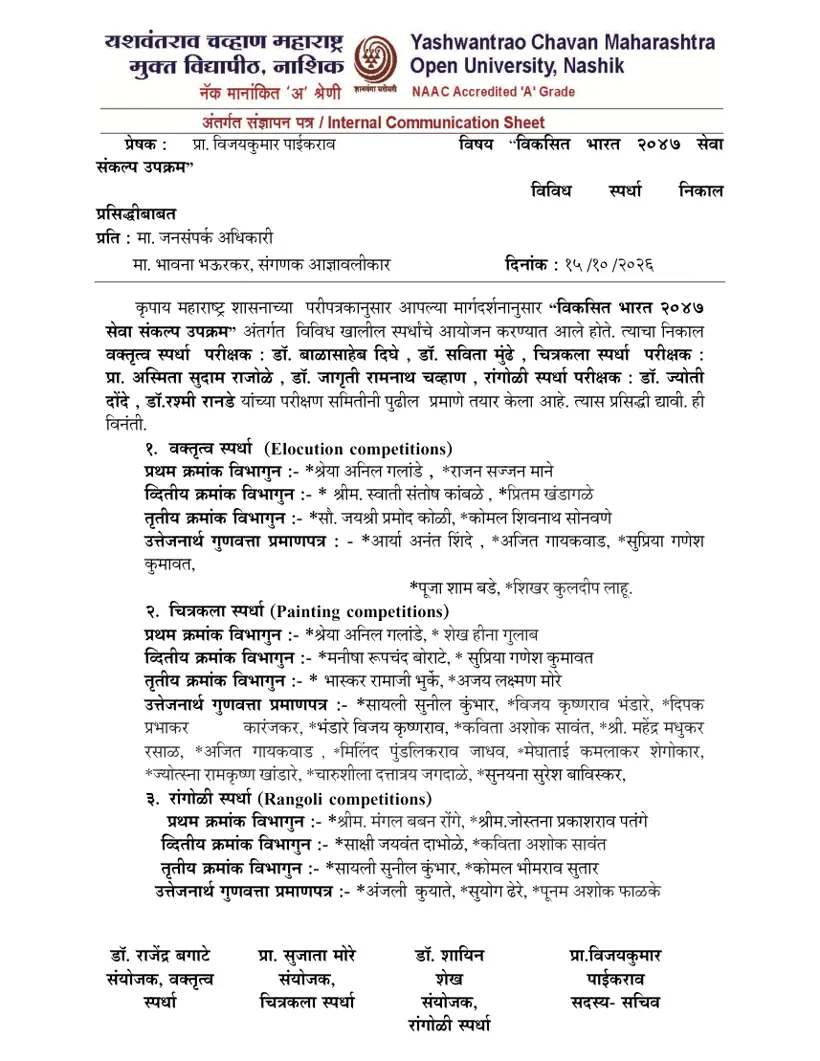
- YCMOU Viksit Bharat 2047 Competition Results 2026: Prize Winners Declared
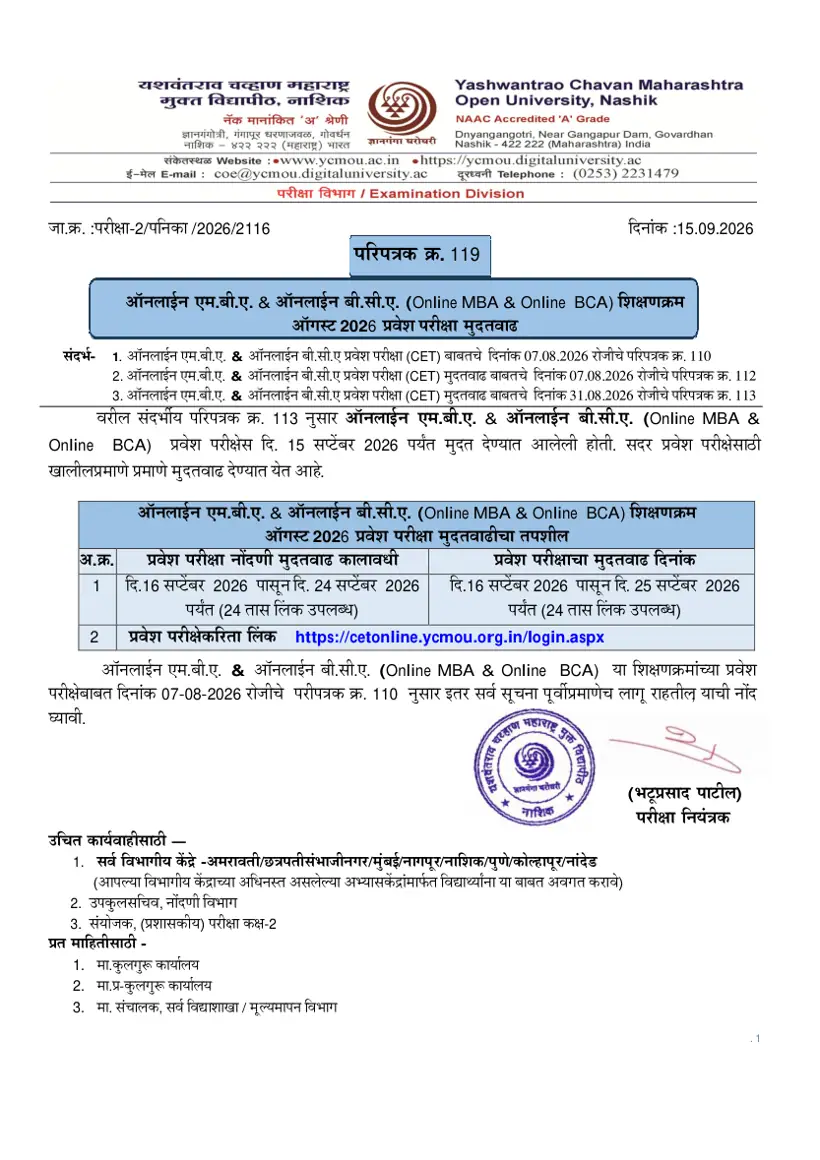
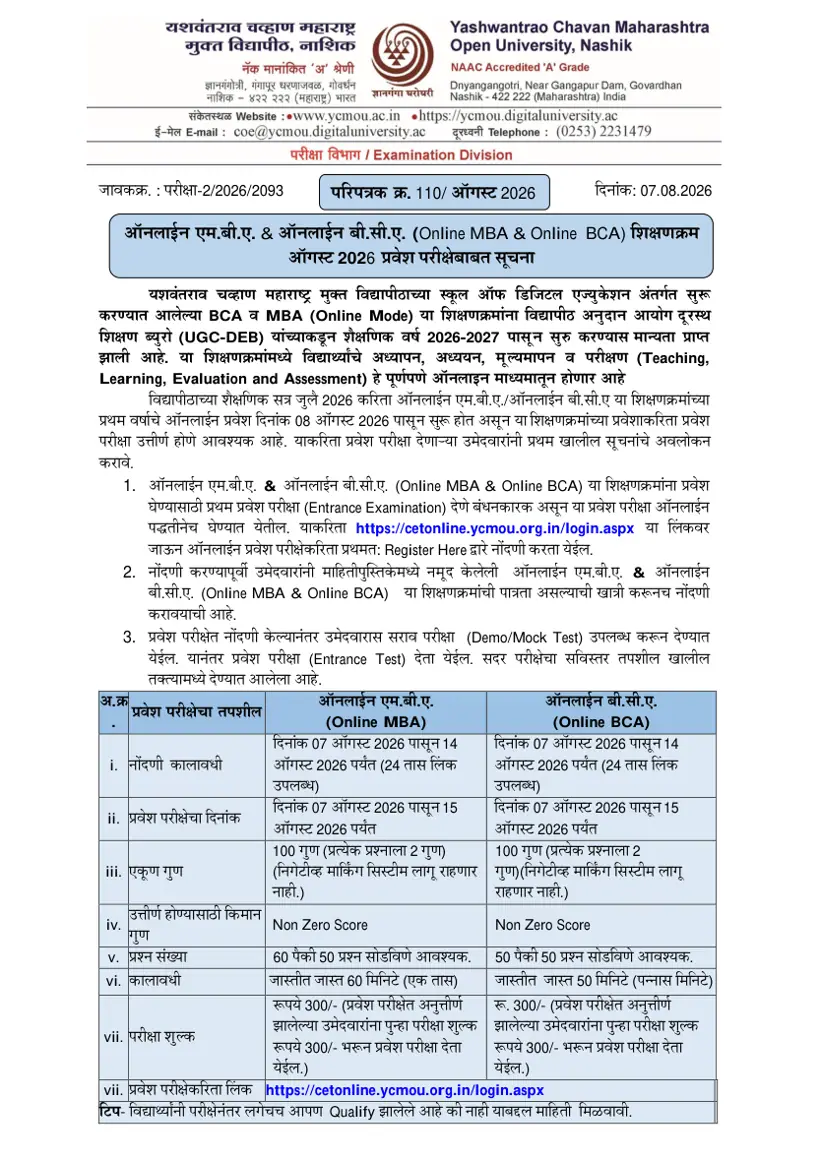
- YCMOU Online MBA & BCA CET Notification Released for July 2026 Admissions
YCMOU Result 2026 PDF
- YCMOU Vikasit Bharat 2047 Seva Sankalp Competition Results 2026 PDF — Results announcement for elocution, drawing, and rangoli competitions organized under the Vikasit Bharat 2047 Seva Sankalp initiative.
- YCMOU Marksheet Sample Statement of Marks Document PDF — A sample statement of marks displays course grades and subject details for an examination conducted by the university.